Month: November 2020 (Page 2 of 2)

It’s Reading Week!!

It’s reading week! 


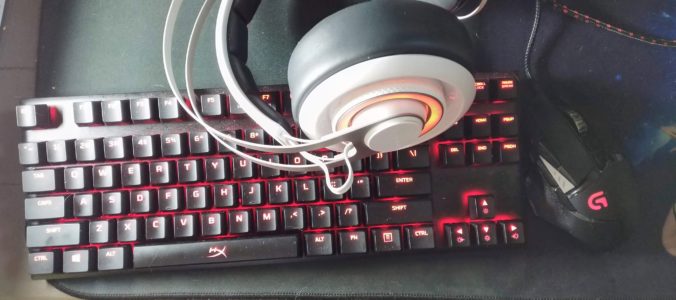
No classes Monday-Wednesday this week, so we don’t have a ECDI 336 class to reflect on this week. However, I spent last weekend doing a 24 hour charity event that I streamed so I thought I would reflect on the digital resources I used for that.


Myself and six others pledged to play games, and stream it all, for 24 straight hours last weekend. We started at 3 pm Saturday and ended a little after 3 pm on Sunday. I can truly say that I am amazed that my computer did not melt during the event. I was attending as a player but I was also the “producer” as I was running the stream, monitoring chat, checking and reporting on donations received, and playing a soundscape for the event.


I was trying to think of ways that I could use the digital tools for this event in educational ways so I’ll run through the tools and how they could be used in schools.

Discord – This is what we used for the players videos and audio feeds. It has some similarities to Zoom, but is meant for smaller groups with the bonus that the chat never goes away. Last March one of my profs used this when we switched to online classes and it was good for screen sharing and asking questions (in text or voice chat) it might be better for small classes.


Foundry VTT – This was our solution for our virtual tabletop. This could be interesting to use as a way to add some gamification to a lesson. You can create a map of just about anything and have students roll dice (digitally or in a classroom) for math games. 


Epidemic Sound – This site has hundreds of hours of music available. Yet I don’t know that it would be very useful in a classroom setting with the exception of using it as background music.


OBS Studios – This is a really powerful tool and I have  only scratched the surface of it. I think this would be most useful when creating online or video presentations. You can make different “scenes” and transition between them smoothly. For my purposes I had a starting soon, stream, be right back, video clips, and thank you scenes that I would transition between during the 24 hours. I think this would be great to use for a presentation with scenes for talking heads, slide decks, videos, and displaying websites in a seamless manner. Because OBS Studios will record everything for you the video you create can be uploaded to YouTube or sent directly to teachers and/or students. This software lasted over 24 hours and recorded the whole event! I’m impressed with both it and my computer for being able to handle that, not that anyone needs to record a 24 hours presentation.


That’s all I have to say about this for now.

Until next time!
Is this what rage quitting feels like?

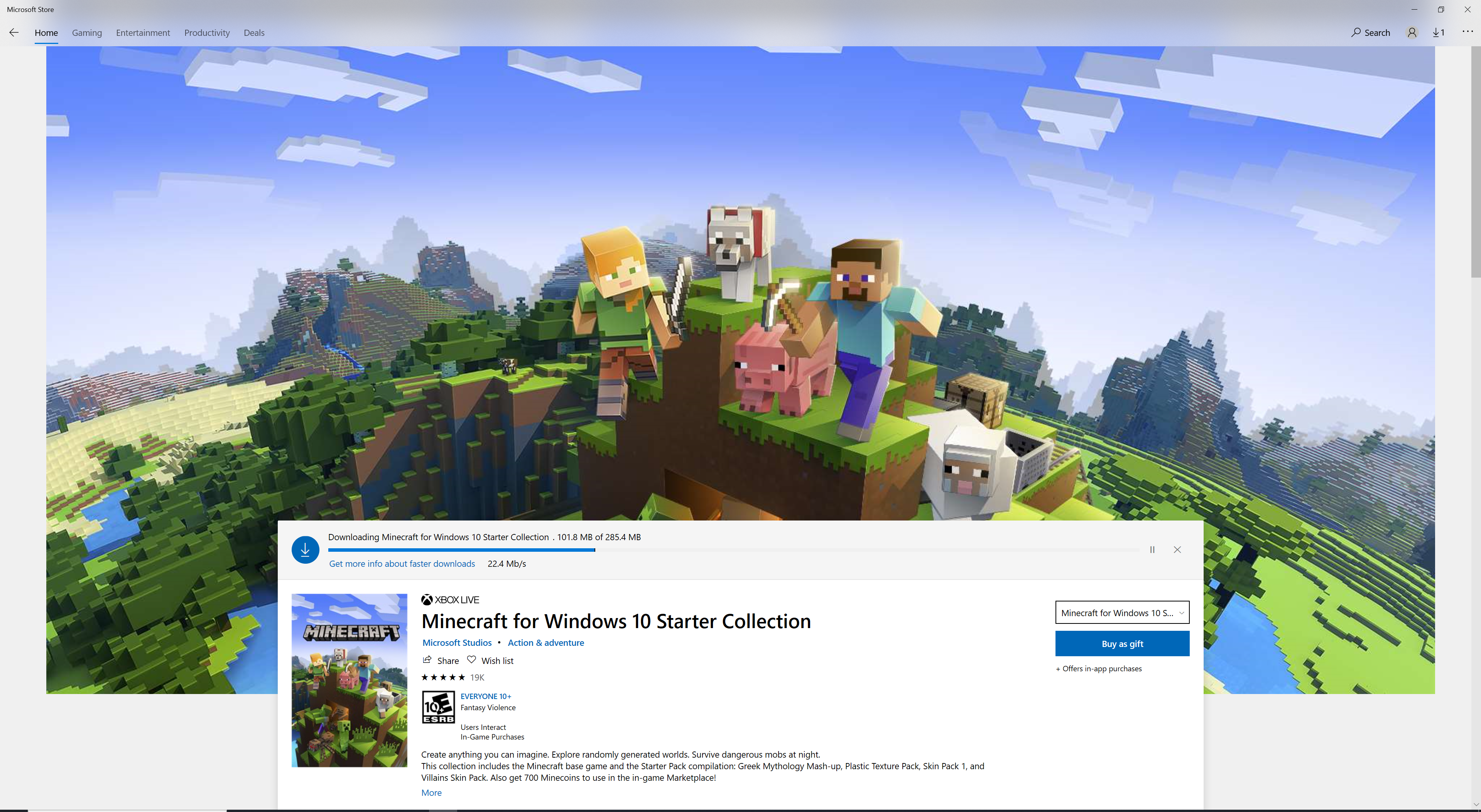
I have been exploring my Minecraft world during my sessions and trying to sort of discover different aspects of the game as I go along. I watched a few videos in September on how to get started, and when I find something interesting I’ll look it up but other than that I’ve been going it on my own. However, I think this is when that method stops and I start doing more research into things. I normally play this game as a bit of a ‘brain break’ and start it up with the goal of exploring what I can do. However I find that I end up wandering around and digging/mining without much point to it and the last few game sessions I have left feeling like I didn’t do much.


Last week a frustrating Minecraft session ended when I died in a spot that I am not really sure I know how to get back to. I went outside of a new place I had built at night and was immediately attacked and killed by a wizard. I suppose it wasn’t so much of a rage quit as it was just giving up because I couldn’t be bothered to deal with finding all the stuff I had dropped. So here is when I decided that maybe some time I put aside to playing the game should be shifted to watching some how-to videos. For next week I am going to  search out some resources on YouTube or maybe some other blogs and start my game sessions with a plan. Hopefully that will give me a goal to work towards in my exploring of Minecraft.


Until next time!

Class reflection

This class we spent some time in groups exploring different resources for bringing coding into the classroom. I liked the mix of lecture and group activity used today as it gave me information and then time to try out different apps or services. I started off in a group looking at codemonkey, which is a game where you have a selection of movement options (right, left, up, down) to try and get the monkey from where they are standing to a treasure chest on the screen. One arrow is one space of movement so if the money is two steps away from the treasure you need to input “right, right” into the movement before pressing go. The experience is  very beginner level which could work with some grades but the site has the most obnoxious music so that would be something to work around. Some other students seemed to really dislike this site but I could see it used well in primary grades.


Next I went to look at the topic I was most interested in which was the unplugged coding


https://csunplugged.org/en/


I like the idea of introducing a topic and having students interact with something hands on, then linking it with an activity done on a computer or tablet. This site is an amazing resource for lesson plans with printables and, as was mentioned in class, some lesson ideas come with videos of classes working through the activities. They also had cross curricular activities so students can learn the ideas around coding without knowing that the activity is promoting that. The group that I was with all agreed that this is a great resource for teachers on call. Overall I was really impressed with this site and I made sure to bookmark it for future use.


The computer science unplugged website also had activities that bridged into Scratch and Scratch Jr. so I decided to check out Scratch next. It is much more advanced than codemonkey and would require more reading skills. Scratch is made uses blocks of code in the shape of puzzle pieces that can be connected to program animations or games. This tool is something I feel would take much prep time for a teacher/TOC to integrate into their classrooms with purpose. Although I was sure there would be resources on lesson planning with Scratch so I did a google search and one of the other resources we talked about came up
https://www.commonsense.org/education/website/scratch/lesson-plans


I had never heard of Commonsense.org but it sounds like a great resource. I struggle at times to be able to gauge the lever of a grade 2 compared to a grade 4 so I see this coming in handy while I navigate the first few years of my teaching career. 


Al in all I was really happy to spend time playing around with the suggested apps/websites today and talk with other students about what we liked or didn’t like about them.


Until next time!

Newer posts »