Category: EdTech (Page 1 of 2)

It’s Reading Week!!

It’s reading week! 


No classes Monday-Wednesday this week, so we don’t have a ECDI 336 class to reflect on this week. However, I spent last weekend doing a 24 hour charity event that I streamed so I thought I would reflect on the digital resources I used for that.


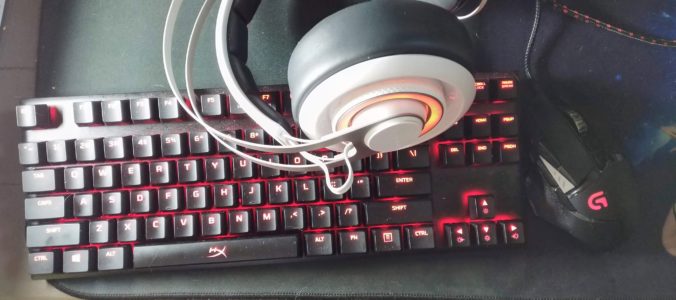
Myself and six others pledged to play games, and stream it all, for 24 straight hours last weekend. We started at 3 pm Saturday and ended a little after 3 pm on Sunday. I can truly say that I am amazed that my computer did not melt during the event. I was attending as a player but I was also the “producer” as I was running the stream, monitoring chat, checking and reporting on donations received, and playing a soundscape for the event.


I was trying to think of ways that I could use the digital tools for this event in educational ways so I’ll run through the tools and how they could be used in schools.

Discord – This is what we used for the players videos and audio feeds. It has some similarities to Zoom, but is meant for smaller groups with the bonus that the chat never goes away. Last March one of my profs used this when we switched to online classes and it was good for screen sharing and asking questions (in text or voice chat) it might be better for small classes.


Foundry VTT – This was our solution for our virtual tabletop. This could be interesting to use as a way to add some gamification to a lesson. You can create a map of just about anything and have students roll dice (digitally or in a classroom) for math games. 


Epidemic Sound – This site has hundreds of hours of music available. Yet I don’t know that it would be very useful in a classroom setting with the exception of using it as background music.


OBS Studios – This is a really powerful tool and I have  only scratched the surface of it. I think this would be most useful when creating online or video presentations. You can make different “scenes” and transition between them smoothly. For my purposes I had a starting soon, stream, be right back, video clips, and thank you scenes that I would transition between during the 24 hours. I think this would be great to use for a presentation with scenes for talking heads, slide decks, videos, and displaying websites in a seamless manner. Because OBS Studios will record everything for you the video you create can be uploaded to YouTube or sent directly to teachers and/or students. This software lasted over 24 hours and recorded the whole event! I’m impressed with both it and my computer for being able to handle that, not that anyone needs to record a 24 hours presentation.


That’s all I have to say about this for now.

Until next time!
Class reflection

This class we spent some time in groups exploring different resources for bringing coding into the classroom. I liked the mix of lecture and group activity used today as it gave me information and then time to try out different apps or services. I started off in a group looking at codemonkey, which is a game where you have a selection of movement options (right, left, up, down) to try and get the monkey from where they are standing to a treasure chest on the screen. One arrow is one space of movement so if the money is two steps away from the treasure you need to input “right, right” into the movement before pressing go. The experience is  very beginner level which could work with some grades but the site has the most obnoxious music so that would be something to work around. Some other students seemed to really dislike this site but I could see it used well in primary grades.


Next I went to look at the topic I was most interested in which was the unplugged coding


https://csunplugged.org/en/


I like the idea of introducing a topic and having students interact with something hands on, then linking it with an activity done on a computer or tablet. This site is an amazing resource for lesson plans with printables and, as was mentioned in class, some lesson ideas come with videos of classes working through the activities. They also had cross curricular activities so students can learn the ideas around coding without knowing that the activity is promoting that. The group that I was with all agreed that this is a great resource for teachers on call. Overall I was really impressed with this site and I made sure to bookmark it for future use.


The computer science unplugged website also had activities that bridged into Scratch and Scratch Jr. so I decided to check out Scratch next. It is much more advanced than codemonkey and would require more reading skills. Scratch is made uses blocks of code in the shape of puzzle pieces that can be connected to program animations or games. This tool is something I feel would take much prep time for a teacher/TOC to integrate into their classrooms with purpose. Although I was sure there would be resources on lesson planning with Scratch so I did a google search and one of the other resources we talked about came up
https://www.commonsense.org/education/website/scratch/lesson-plans


I had never heard of Commonsense.org but it sounds like a great resource. I struggle at times to be able to gauge the lever of a grade 2 compared to a grade 4 so I see this coming in handy while I navigate the first few years of my teaching career. 


Al in all I was really happy to spend time playing around with the suggested apps/websites today and talk with other students about what we liked or didn’t like about them.


Until next time!

Seventh week reflection

For this week’s class, a large amount of class time was spent in discussion groups. The groups were created using topic suggestions from students and then a vote to see which 5 subjects had the most interest. We were encouraged to change rooms and get involved in the conversation which was a bit awkward because I had to ask to change rooms but I’m happy that I was able to move around as much as I did. It was interesting to see how many people gravitate to certain topics. I was in a room with 8 people at one point, and the next room I went into only has 2 other people in it. I don’t often participate in a situation where there is a free flow between groups so you are free to visit any of the groups at any time. It was a really great exercise and since each group made a list of points that were discussed the class has a document to reference and some resource suggestions from Michael. One resource lead me to Trevor Mackenzie’s website where I read several of his posts about implementing inquiry and a Google slide presentation that made some good points on parts of the inquiry process. For example, in the slides Trevor points out that when you are using inquiry with a class students come up with questions about their inquiry project but teachers need to find ways to tie those questions to curriculum and learning standards.
We had some great take aways from this weeks class, but I find myself saying that for all the classes I am in right now.

With some guidance from Michael I have been looking more into using OBS and Twitch as a solution to streaming the charity event on Nov 7. After doing a bit more research I think OBS will be the best for having the video, audio, and customization I am looking for. I did a quick set up to see how much time it would take to set up and it was fairly easy. Now I have to create some templates for the different scenes I will be switching between during the stream. I will be using PhotoShop to make those templates but that is a story for another day.


Until next time!

Digging Deeper and Deeper

I have been playing this game for a while now and I think I am starting to see how people sit and play for hours and hours and not even notice the time pass. Since I have many assignments, classes, work, and general life going on most of my time is scheduled and that includes time working on this free inquiry. Alarms and timers on my phone have been a life saver in this Covid-19 world where most of my time is spent inside at a desk. I have been feeling more at home in my little Minecraft world and after spending a bunch of time digging and pickaxing my way to iron and diamonds I resurfaced to go to my home base so I could drop off a few things. On my way up the mine shaft I had dug I heard the strangest noises. Confused, I started looking around expecting to see an enemy trying to attack me. But there was nothing so I figured I’d have a deeper look once I finished my trip ‘home’. When I went back to investigate the noises were in the same spot so I figured I should start busting down some walls and figure out what was going on.


And then, I found the zombies.


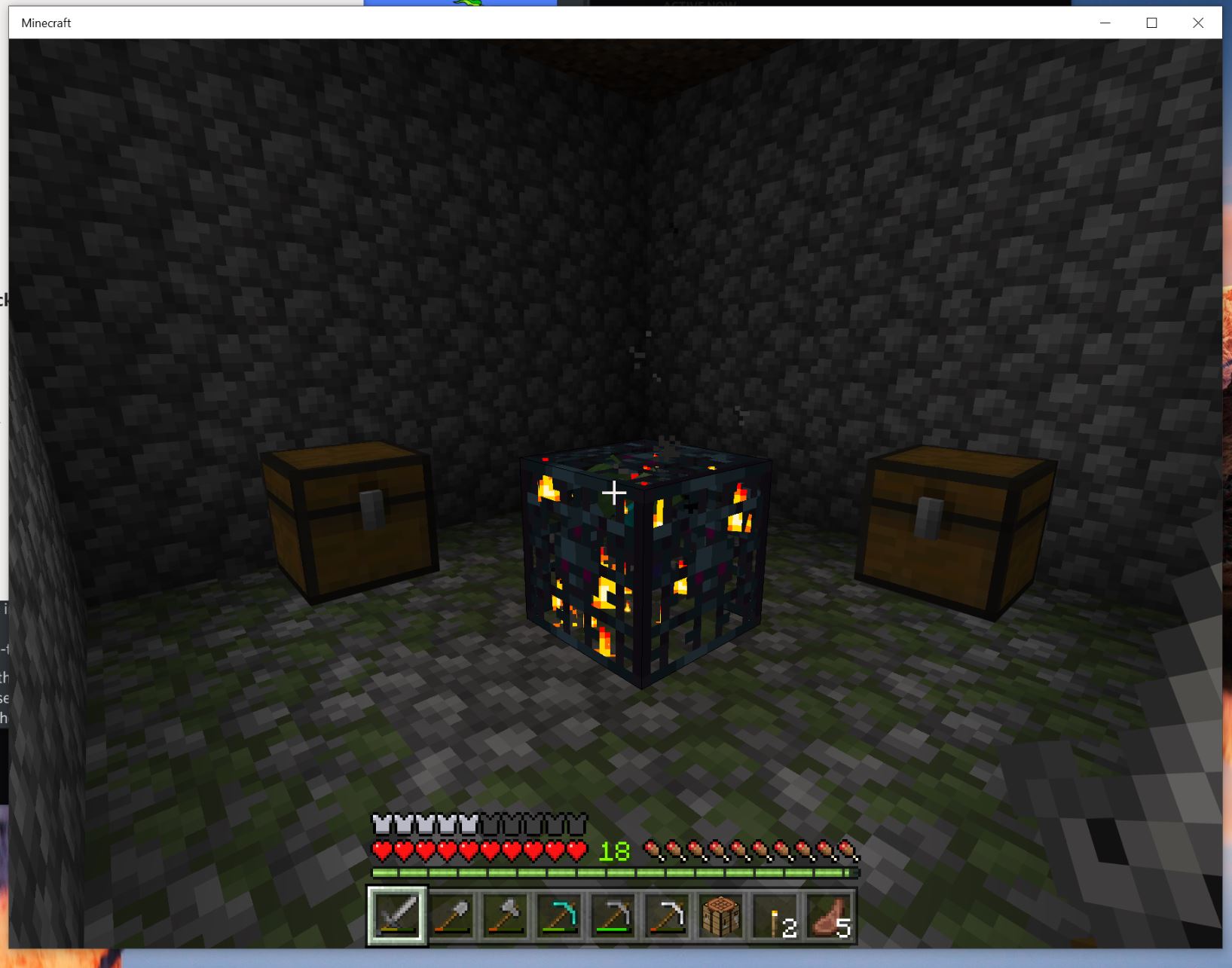
It was strange but so is this game so I cleared the zombies away and walked into the room they were stuck or hiding in. That is when I saw it.

Usually when I find something unfamiliar in this game I do a quick search for what it is before messing with it. Turns out this thing is a zombie spawner and its great for leveling, which is good I guess! The rest of the session I spent enlarging the room so the zombie spawner could do its thing and I’ll go back later for all the sweet low effort experience points. 


Until next time!

Sixth Week Class Reflection

Part of our to-do list for class this week was to watch some videos taken at the Pacific School of Innovation and Inquiry (PSII). I was really interested in hearing about a school in Victoria that focused on inquiry based learning and teaching critical thinking. Hearing Jeff Hopkins talk about the way that students interact with other students and teachers at the school seemed so forign to me. It’s hard for me to think about running a class at an inquiry based school while trying to make sure students hit the milestones set out for them. The material got me wondering how teachers find themselves teaching at this sort of school. Maybe they have experience with inquiry learning, or teaching or maybe they see traditional classrooms not working and want to be part of the transition to a better system. Are the current teachers at inquiry schools the early adopters of the new way we educate Canadians or is this one step of many in education reform? 

We are almost a third of the way through this term and I feel like my days are flying by. With the time moving so quickly I am happy to be recording my journey in writing. I think this will be a great resource later when I am trying to remember some content that we have covered.

Until next time! 

Fifth week reflection and Minecraft update

Fifth week reflection and Minecraft update


There was no class in week five because of the long weekend so I took this time to start exploring some streaming software. I have been involved with the charity Extra Life for the past few years by helping my partner set up their in the person event. The two of us have typically been part of a bigger team that run various games for the 24 charity marathon but like most things this year it is going to be a bit different. This year instead of auctioning off seats at the game table and having a sort of revolving door of players there will only be 7 people playing for the entire 24 hours. In previous years we have streamed the 24 event with an extremely simple set up of one webcam and two microphones because all participants were in the same room. However, this year five people will be in different locations and two will be in the same room. The two people in the same room will each have their own camera and audio feed. To bring this all together I decided to use OBS as our streaming software since it is easy to connect it to Twitch, where the game will be streamed, and OSB has robust features with, what I hope will be, easy to manage menus. I have no experience using OBS but from the tutorials I have looked at it should be a great solution for the stream. 
 

For Minecraft this week I spent most of my time mining and trying to find iron, gold, diamonds, or any other materials hidden in the earth. I decided to just start digging down in a random spot and ended up finding a few pockets of usable materials. Eventually I hit an area where I couldn’t break any more of the blocks, no matter which pickaxe I tried to use on the blocks. I suppose I hit the lowest layer? 


As this is a short update I’ll leave it here for now.


Until next time!

Fourth Week Reflection

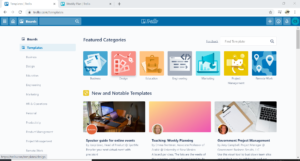
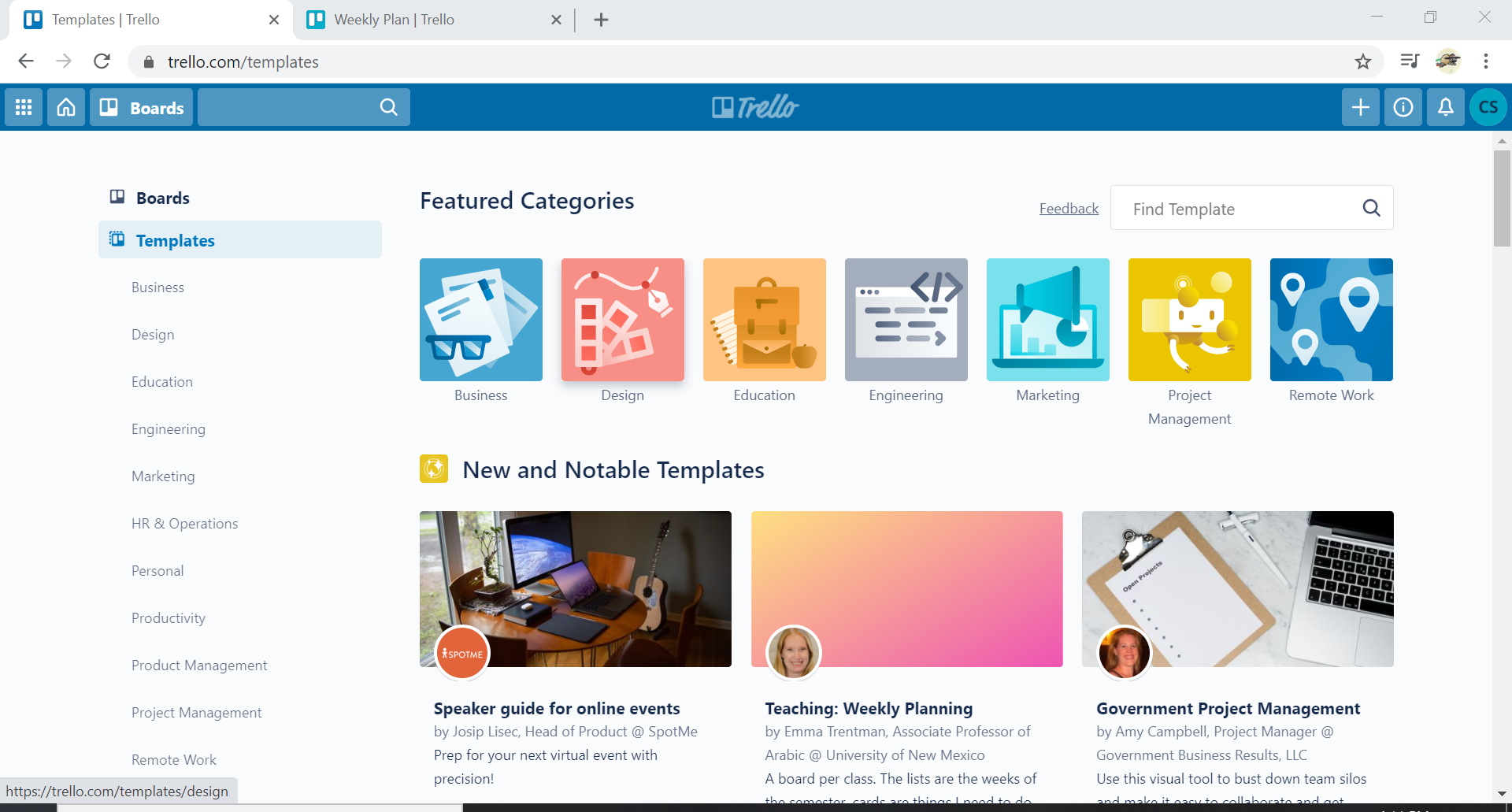
This week I decided to look into using Trello. We had talked about this app in class and I was intrigued because I am always looking at ways to schedule myself or groups more efficiently. At first Trello looked  like Padlet, which I was using frequently in the summer for work. I used Padlet to work on weekly camp schedules and activities with my coworkers so we could both add in ideas where we thought they would fit best. However, after working in both apps I can see how much more powerful Trello is. 


Details Details Details!
I was impressed with how much this app allows you to edit in a single ‘card’. For instance, you might have a card labeled “English 201 Essay” but you can click into that card and add a more detailed description, a checklist, a due date, or assign that card to a member of a team you are working with. You can also assign colours (Trello also includes colour blind options) to cards, so you could make all your biology assignments appear blue, but those cards will turn red if not completed by the due date you assigned them. Although I wish they applied a traffic light system to the due date so you get a warning, yellow colour change, when you are 24hrs from a due date.


I was roaming the internet looking for helpful board templates and wow is there a bunch available out there! I love being able to try out different systems because I am able to see what I like best from a variety of sources and then merge them into something that I like working with. Trello boards are no different, so I’ll be copying some of the boards I have found to see what works for me.

If you want to copy some free Trello boards here is a video of how to copy a Trello board. 


I found the Trello boards in the above video through this YouTube account.

Until next time!

Third week reflection

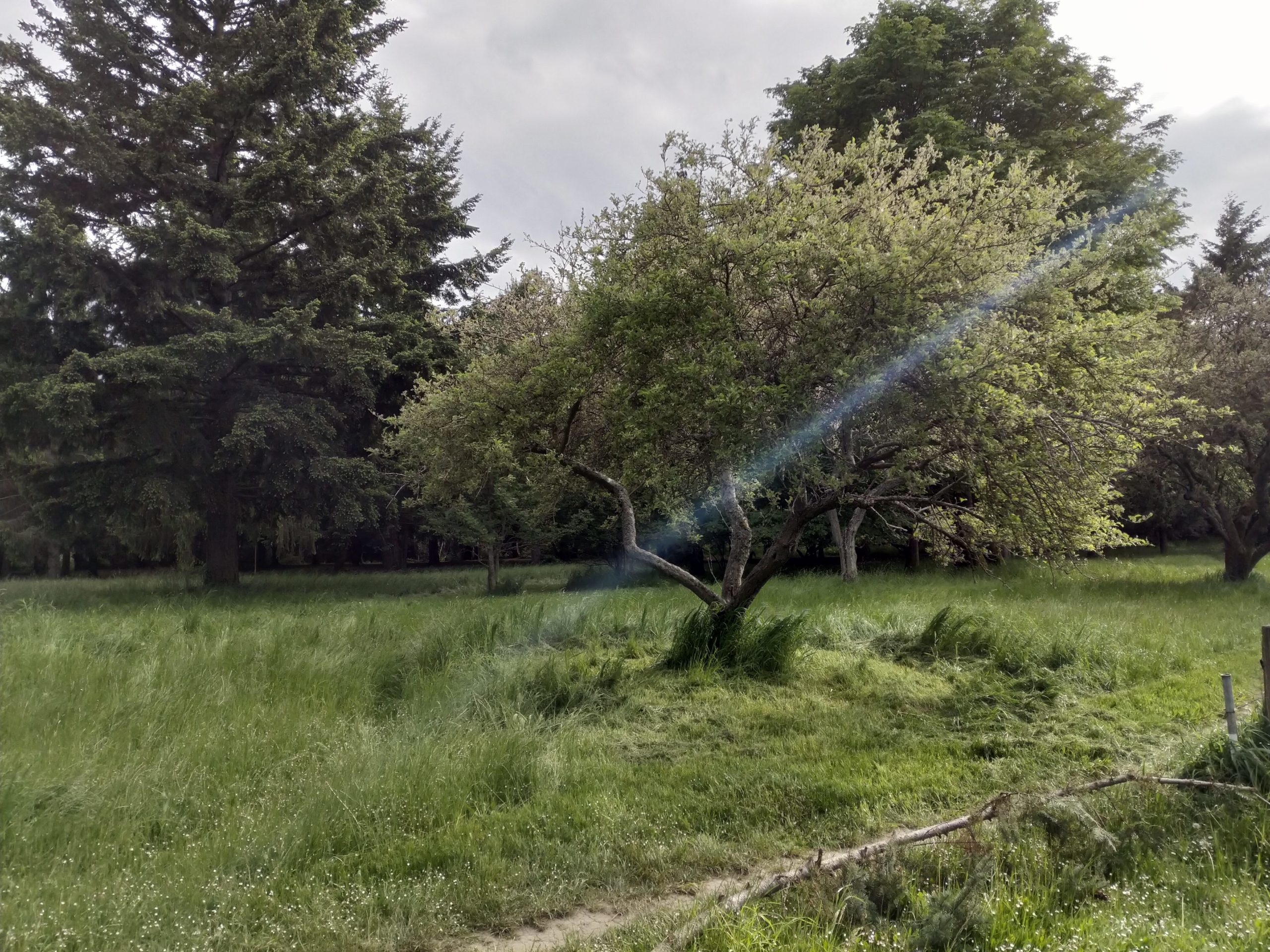
Photo of tree in field

Photo Taken By Carla Scott

This week we took a break from a typical class and had guest speaker Jesse Miller join us. Their presentation was about social media in education, and safety concerts around that. Miller was also speaking to broader digital identity, rights, and literacy among students and school staff members. 

It was a great presentation partially because I had never really spent time to really think about topics they brought up, like how schools handle cell phone policies. I supposed I aged myself a bit by saying that, but when I was in secondary school students having cell phones was very rare. Having never been on the receiving end of this debate the idea of cell phones being confined to bags all class never bothered me. When Miller talked about teachers including a phone break in class it made me think of all the times when I’m feeling stuck, or can’t focus so I check my phone or watch a couple quick YouTube videos to have a sort of brain break. There are also times where I am on a roll and head down for long periods of time, but I think using timed breaks can really help maintain focus. There have been many times where I am dreading the start of a project because I foresee it taking X amount of time and its really daunting, or I don’t even know where to start. When starting is the hardest part I try thinking “I’ll just try for 20 mins and then take a break” I’m not sure why the promise of a break has this effect on me but it can be really amazing what is produced in that time. That was a bit of a long explanation but I think what I am trying to say is the promise of “free time”, even 5 or 10 minutes, can be really motivating.
I was also really interested in the conversation about boundaries and expectations being a way to empower students. I think this is a great idea and I’ve used a similar technique at summer camps with children. We set up “camp rules” that we make as a group so everyone has a say in what we want to put into and see from campers and leaders. This activity always results in more community accountability as the children seem to feel more like they are an important member and decision maker rather than a person that has to follow a list of boring rules made up by the leaders.
Now, I’m off to play some more Minecraft!

Second week reflection

I know it is only the second week of this course, and third week for some other courses, but I have to say that I am already finding due dates to be an issue for me. I suppose it is more about the amount of assignments and keeping track of which is due when, or when which assignment’s due date changes and then recording the new due date. This is definitely gearing me up for a high level of organizational skills.
This week we looked at copyright and open education resources which was really exciting! I think it is pretty amazing that teachers freely share lessons and activities with others, there are some sites where a contributor can price their content and that is totally understandable. I was also impressed with how much (free or priced) lesson content for teachers is available. I suppose I had always thought of lesson planning as a job teachers did outside of class on their own or maybe with a fellow staff member or two. Knowing that there are collections available is a bit of a relief and gives an almost collaborative feel to the lesson planning process. Even just seeing what is being used in classrooms at different levels is intriguing. 

It was nice to chat with some of my classmates about the movie “Most likely to Succeed”. I like that we had a chance to voice what excited us and what we found to be problematic about the movie. It was really nice to hear others opinions about it even when I had thought about an aspect differently than a classmate.
Hopefully I can start posting these blogs a bit earlier in the week.
Until next time!

Setting up my Blog

Now it was time to set up my WordPress website/blog. I signed up for a blog through opened.ca, following the instructions from the 336 course website. It was pretty straightforward and I think the longest time sink was waiting for the confirmation email. That being said, I read all the steps once before even starting and I think that helped avoid any major mistakes in the signup process. Once I was able to get into the admin side of my new blog I went to the clone zone on opened.ca and got the UVic EDCI 336 template. At this point the blog was populated with a bunch of content and it was time to start customizing it. I decided that before I made any changes I would be sure that I had the first few posts ready and have a few photos ready to be in a place where I could replace the pre populated content as I changed the look. So with that done now, I am finally getting to adding my first few blogs and photos! 

« Older posts